How to Use Zapier MCP with Claude AI for Advanced Business Automation
How Sarah Cordiner Can Help You Scale Your Business with Tech, AI, and Automation
Tech doesn't have to be hard or scary. I help you make it easy to learn, fun to implement, and even better to see the amazing results that you can get with some simple tech tools and strategy.
Here are all of the different ways that I can help you scale your business, streamline your operations, and make your bottom line full of joy using tech, AI, and automation (as well as traditional methods) as your secret weapon.
One platform. Your whole business. Finally talking to each other.
"What tech do you use, Sarah?" I get asked this every single week. The honest answer? Almost all of it lives in one place: Tekmatix. It's the all-in-one AI business platform I founded, and it runs my websites, funnels, courses, emails, bookings, payments and AI agents. Here's everything it does, who it's for, and the handful of other tools I love.
No lock-in contracts / Cancel anytime / Australian owned and female owned
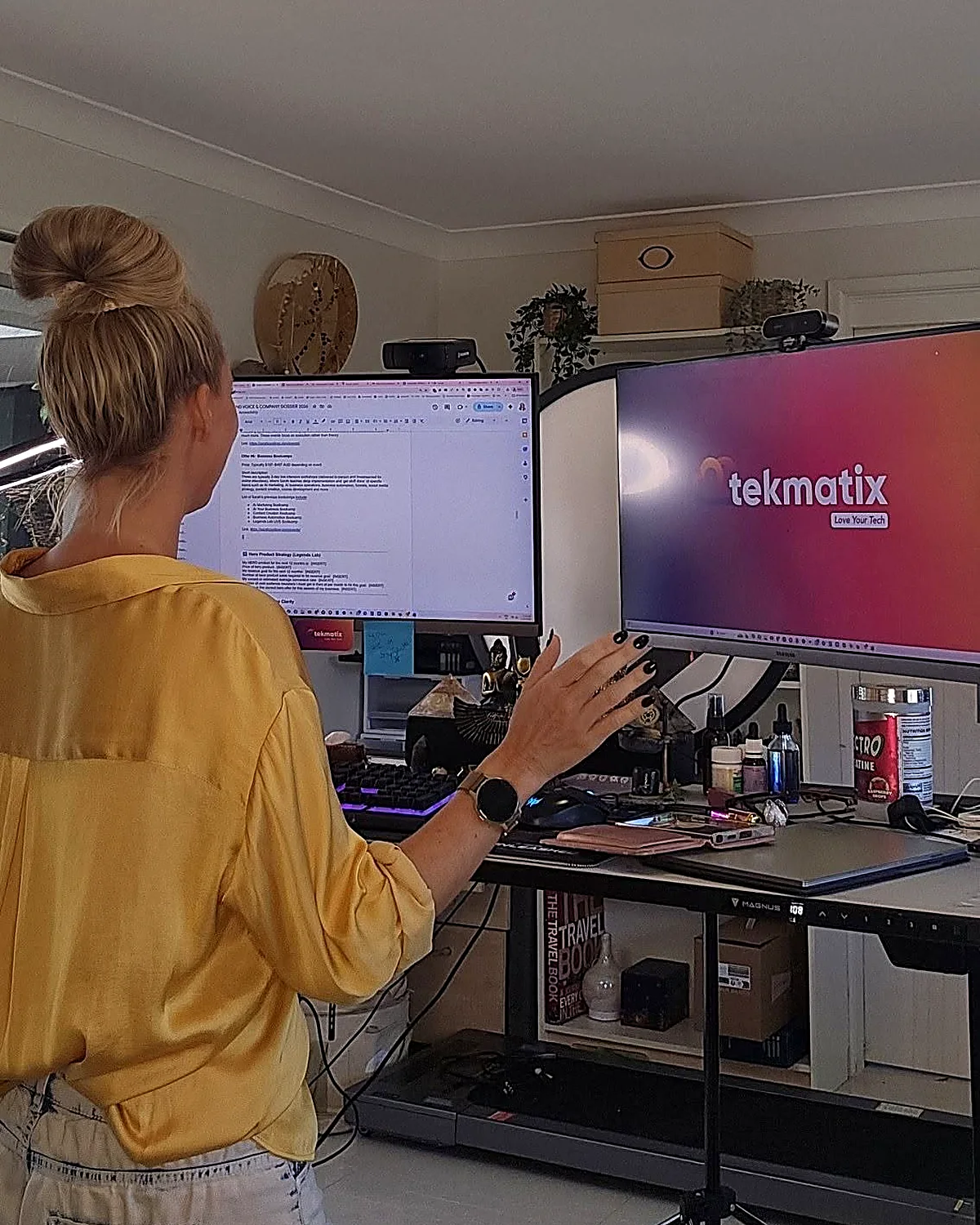
I run my business on it.
- 5.0 on Google from 100+ reviews
- 98% recommended on Facebook
- 1,000+ businesses in 30+ countries
- Award-winning 24/7 support
- 3 free live training calls every weekday
- Replace $500 to $1,000+ a month in subscriptions
Eight logins. Eight bills. Zero of them talking.
Most business owners I meet are paying for a website here, an email tool there, a booking app, a course platform, a CRM they never open... and then paying someone to glue it all together with duct tape and Zapier.
- 1Leads fall through the cracks because your forms, inbox and CRM live in different places.
- 2Every new tool means another login, another bill and another thing to learn.
- 3You can't see what's actually working because your data is scattered across ten dashboards.
Everything your business runs on, under one roof.
Tekmatix is an all-in-one CRM, marketing, sales, course and AI platform. Here's what's inside, grouped by the job it does for you. Tap a category to filter, or scroll the lot.
AI that does the work
Hand the repetitive stuff to AI that already knows your contacts, calendar and offers.
- AI Employees that answer chats, DMs and enquiries 24/7
- Voice AI receptionist that answers your phone and books calls
- AI booking bot on your website chat widget
- AI Studio to build apps and tools by describing them (vibe coding)
- Ask AI assistant built into your account
- AI website and funnel builder plus content and image AI
- Connects to Claude and ChatGPT via MCP, so your AI can work inside Tekmatix
Get found and grow your list
Everything you need to get seen, capture leads and build your audience.
- Unlimited websites with free hosting and your own domains
- Unlimited funnels, landing pages, sales pages and opt-ins
- 100+ ready-made templates for sites and funnels
- Blogging with unlimited posts
- Social media planner with auto-posting
- Forms and quizzes, unlimited
- Surveys with conditional logicPro
- Reviews and reputation management, incl. Google Business Profile
- Link-in-bio pages and QR codes
Nurture and convert
Turn strangers into clients with automated follow-up that never forgets.
- CRM with unlimited contacts and full client records
- Unified inbox for email, SMS, Facebook and Instagram DMs
- Email marketing with automated newsletters
- SMS and phone, incl. missed-call text back
- Unlimited workflows and automations
- Sales pipelines so you see every deal
- Booking calendars for individuals, teams and groups, with 2-way sync
- Advanced reporting on ads, calls, courses and lead sourcesPro
Sell and get paid
Take money online, in person and on autopilot. Payments go straight to your Stripe or PayPal.
- Checkouts with upsells and order bumps
- Invoicing: one-off, recurring and payment plans
- Tap to pay on your phone (EFTPOS)
- Request payments by SMS
- Products and e-commerce, digital and physical, plus coupons
- Proposals, quotes and contracts with e-signaturesPro
- Affiliate program with unlimited affiliatesPro
- Event management with QR code ticketingPro
Courses, memberships and community
Built especially for course creators, educators and coaches. (It's where I teach my own students.)
- Unlimited courses and memberships
- Unlimited students and video hosting
- Assessments and quizzes inside your courses
- Student mobile app in your branding
- Communities and groups, unlimitedPro
- Course certificatesPro
Run the business
The behind-the-scenes admin, organised and in one place for your whole team.
- Project management and Kanban boards
- Task manager with deadlines and tracking
- Unlimited staff users with permission controls
- Admin mobile app for Apple and Android
- Business card scanner
- Integrations with Zapier, Make, WordPress, Google and more
- Up to 5 sub-accounts for your other businessesMax
Want to see it with your own eyes?
Start a 7-day free trial and a Tekspert will jump on a free set-up call with you.
If you sell your expertise or your services, it's built for you.
Solo operators, growing teams and multi-business owners all run on Tekmatix. Here's where it shines brightest.
Coaches, course creators and educators
Your website, sales pages, checkout, courses, membership, community and email, all connected. Tekmatix was made especially for you.
Consultants, speakers and experts
Bookings, proposals, contracts, invoices and follow-up that makes you look like a big firm, even if it's just you.
Health, allied health and NDIS providers
Online bookings, reminders, reviews and client records for clinics, therapists and practitioners.
Tradies and local service businesses
Missed-call text back, quotes, tap to pay and review requests, so you win the job while you're still on the tools.
Studios, salons and personal trainers
Class bookings, memberships, payments and reminders that cut the no-shows and the admin.
Agencies, associations and multi-business owners
Pipelines, staff permissions, reporting and (on Max) up to 5 sub-accounts to run several brands from one login.
Honest moment: if you only need one simple tool and you're genuinely happy juggling logins, you probably don't need Tekmatix yet. But the minute you're copying leads from one app to another, or paying for five subscriptions that don't talk to each other, it's time.
Most software gives you a login. We give you a team.
I'm an educator first, so Tekmatix was built education-first. Every plan comes with real humans, real training and real templates to get you up and running fast.
Free one-on-one set-up call
A Tekspert jumps on a call with you to set up your account and connect your integrations.
Award-winning live chat
Stuck at 11pm? Real support, any time of day or night.
3 free live training calls
Drop in, share your screen and get your questions answered live.
Starter kit and training library
Ready-made templates and automations, a step-by-step help centre, video tutorials and a free Tekmatix training course.
Rather someone just did it for you?
Teksperts are available by the hour, plus fixed-price done-for-you set-up and migration from your old platforms.
Simple pricing that doesn't punish growth.
Unlimited contacts on Starter and Pro, so your bill doesn't jump every time your list grows. Pay in AUD or USD, monthly or yearly (pay yearly and get a month free).
Everything you need to market, sell and deliver, in one place.
- Unlimited contacts, staff users and courses
- Websites, funnels, CRM, email and bookings
- Payments, invoicing and tap to pay
- AI Agents, AI booking bot, AI Studio and Ask AI
- 24/7 live chat and a free set-up call
Everything in Starter, plus the tools to build a community and scale.
- Communities, groups and course certificates
- Event management with QR ticketing
- Your own affiliate program
- Proposals, contracts and e-signatures
- Unlimited surveys and advanced reporting
Everything in Pro, plus more AI, more accounts and a strategist in your corner.
- Up to 5 sub-accounts
- AI Employee Growth plan included: 1,000 AI conversation replies and 100 voice AI minutes a month
- Monthly 60-minute strategy call with a senior Tekspert
- Early access to Tekmatix Labs
Just starting out? The Launch plan is $75 AUD ($50 USD) a month for up to 1,000 contacts. No lock-in contracts.
Chat about the Launch planEmails, SMS, phone calls and AI usage are pay-as-you-go and billed in USD, so you only pay for what you use. See the full rates at tekmatix.com/rebilling. Prices current as at September 2026. Always check tekmatix.com/pricing for the latest.

I didn't set out to start a software company. I started the toolbox I needed.
After 20+ years in business and more than 280,000 students, I kept seeing the same thing. Brilliant people with brilliant expertise, drowning in tech. Paying for ten tools, using two of them, and spending their evenings on YouTube trying to make them talk to each other.
So I put everything a business needs into one platform, then wrapped it in the thing I know best: education and support. Tekmatix runs my own websites, courses, funnels, emails and AI agents every single day. I wouldn't recommend it if I didn't use it.
Sarah x
Want me to teach you how to get the most out of it?
Inside the Legends Lab I show you step by step how to use tech, AI and automation to grow your business, with live calls, workshops and templates you can copy.
Non-techie people love their tech again.
Tech is hard for non-techie people, and they really get that and make it fun.
Yesterday I felt overwhelmed. Now I feel excited and empowered.
I have used a number of top CRM systems. This is up there with the very best.
Solved problems I have had for weeks, in 50 minutes. Wonderful.
The other tools I use and actually recommend.
Tekmatix is the engine. These are the extras that plug in around it for AI, video, design, content and admin. Tap a category to filter.
Some of these are affiliate links, which means I may earn a small commission at no extra cost to you. Thanks for supporting the brand!
Wondering where the email, booking, course, funnel and CRM tools are? I don't need them any more. Tekmatix does all of that, so I'd rather you didn't pay for them twice.
See what Tekmatix covers ↑Tech stack FAQs.
Still wondering if Tekmatix is right for you? Here are the straight answers.
What is Tekmatix?
Tekmatix is an all-in-one AI business platform. It brings your website, funnels, CRM, email marketing, bookings, payments, courses, memberships, communities, social media scheduling and AI agents together in one connected account, so everything talks to each other.
Do I need to be techy to use it?
No. Tekmatix was built for non-techie business owners. You get a free set-up call, 24/7 live chat, three free live training calls every weekday, a help centre, video tutorials and ready-made templates to get started.
Is there a free trial?
Yes. The Starter and Pro plans come with a 7-day free trial. The Max plan starts with a demo, so the team can make sure it's the right fit.
Can I pay in Australian dollars?
Yes. You can pay your subscription in AUD or USD. Usage charges for emails, SMS, calls and AI are pay-as-you-go and always billed in USD. See tekmatix.com/rebilling for rates.
Will my price go up as my list grows?
No. Starter and Pro include unlimited contacts, so your plan price doesn't increase as your business grows. You also get unlimited courses, students and staff users.
Can you move me off my current platforms?
Yes. Tekmatix Teksperts offer fixed-price migration and done-for-you set-up services, or can help you integrate the tools you want to keep. See tekmatix.com/services.
Can I run courses, memberships and communities in it?
Yes. Tekmatix was made especially for course creators, educators and coaches. Courses and memberships are included on every plan, and communities and certificates come with Pro and Max.
Which plan should I choose?
Starter suits most service businesses and solo experts. Pro is best if you run courses with a community, events, contracts or an affiliate program. Max is for people running more than one business or who want more AI and a monthly strategy call. Not sure? Book a demo.
Stop juggling your tech. Start loving it.
One login. One bill. One platform that runs your marketing, sales, courses and AI, with a real team behind you. Try it free for 7 days and see how much simpler business gets.
7-day free trial on Starter and Pro / Free set-up call / Cancel anytime
See you inside. Sarah x